
Web development is an exciting and constantly evolving field. Whether you’re just starting out or looking to improve your skills, having the right tools can make all the difference. In 2025, new technologies and tools have made web development easier and more efficient than ever. Here are the top 7 web development tools every beginner should consider using to kickstart their coding journey.
Visual Studio Code (VS Code)
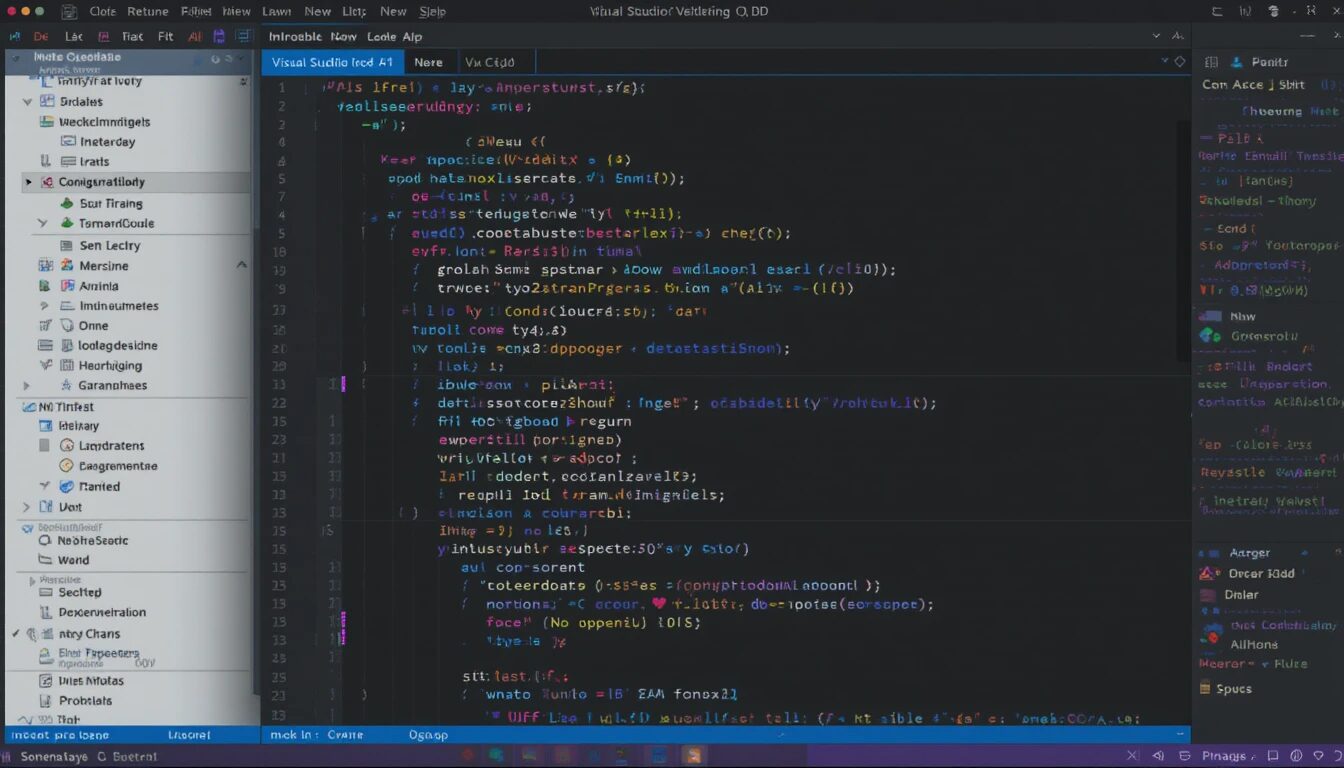
Visual Studio Code is one of the most popular code editors among developers worldwide. It is free, lightweight, and highly customizable with extensions. Beginners love VS Code because it supports many programming languages, offers intelligent code completion, and integrates well with Git version control. The built-in terminal and debugging tools make coding smoother and faster.
Git and GitHub
Version control is crucial in web development, and Git is the leading tool for this purpose. Git helps you track changes in your code and collaborate with others easily. GitHub is a cloud-based platform where you can store your Git repositories, share projects, and contribute to open-source software. Beginners should learn the basics of Git and how to use GitHub to manage their projects professionally.
Figma
Designing user interfaces is a key part of web development. Figma is a web-based design tool that allows you to create, share, and collaborate on UI/UX designs. It’s beginner-friendly, with an intuitive interface and plenty of tutorials available. Using Figma can help you visualize your website’s layout and user experience before writing code.
Chrome DevTools
Chrome DevTools is a set of web developer tools built directly into the Google Chrome browser. It allows you to inspect your webpage’s HTML, CSS, and JavaScript in real-time. You can debug issues, test mobile responsiveness, and monitor performance. Since Chrome is the most widely used browser, learning DevTools is essential for any web developer.
Bootstrap
Bootstrap is a free front-end framework that helps you build responsive and mobile-friendly websites quickly. It comes with pre-designed components like buttons, forms, navigation bars, and grid systems. Beginners can use Bootstrap to avoid writing complex CSS and ensure their websites look good on all devices.
Node.js
Node.js is a powerful JavaScript runtime environment that allows you to run JavaScript code outside the browser. It is widely used for back-end development and building scalable web applications. For beginners, learning Node.js opens up possibilities beyond front-end coding and introduces them to server-side programming.
Postman
Testing APIs is a vital part of modern web development. Postman is a tool that simplifies this process by allowing developers to send requests and view responses easily. Beginners can use Postman to understand how APIs work and test their integration with web applications.
Conclusion
Starting your web development journey with the right tools can boost your learning and productivity significantly. Visual Studio Code, GitHub, Figma, and other tools mentioned above provide a solid foundation for building websites and applications efficiently. As you grow, exploring advanced tools will become easier once you’re comfortable with these essentials. So, get started today and build amazing web projects with confidence!
At W3Torch, we believe your website is not an expense — it’s an investment in your business growth. Let’s build something valuable, together.